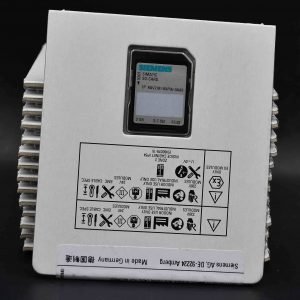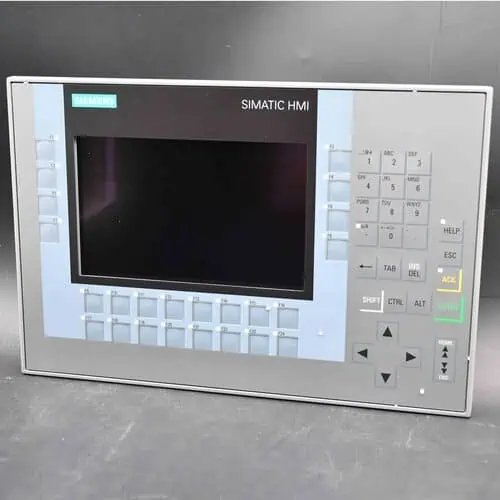
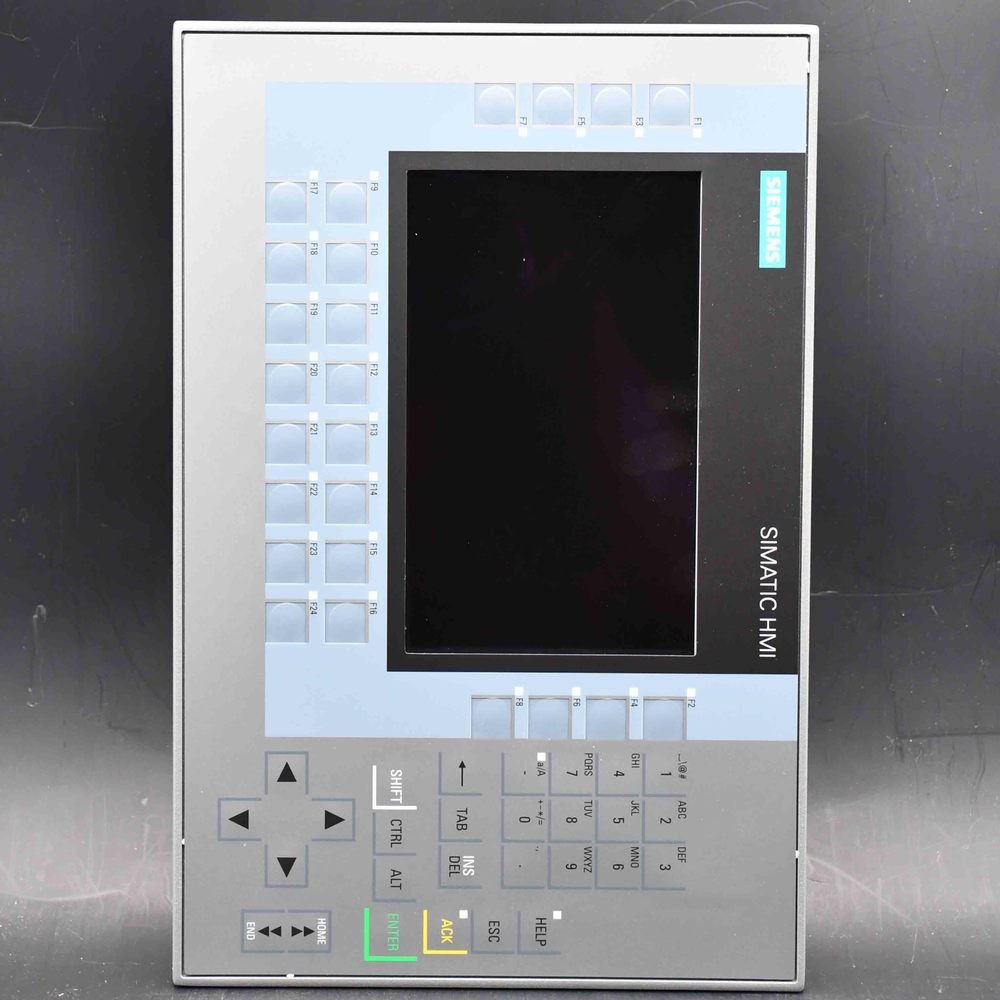
The Siemens SIMATIC Mobile Panel 2nd Generation Connection Box Compact (6AV2125-2AE03-0AX0) is the cabinet-mount interface for 2nd-gen mobile panels — supports PROFINET and PROFISAFE with automatic connection-point detection and safety relay connection. It is not a display; a KTPxxx Mobile panel plus connection cable is required. New original, quoted per order, ships in 24h by DHL (3–7 days).
| Manufacturer | Siemens (Original Brand) |
|---|---|
| Product Line | SIMATIC Mobile Panel 2nd Gen — Connection Box Compact (cabinet mount, PROFINET / PROFISAFE) |
| Condition | Original factory sealed panel (pedestal / supporting foot sold separately) |
| What's Included | Connection box only (mobile panel + cable ordered separately) |
| Lead Time | In stock — ships within 48h via DHL, 3–7 days worldwide |
| Availability | In stock — quote for qty |
The SIMATIC HMI connection box compact (order number 6AV2125-2AE03-0AX0) is the in-cabinet docking point for the second-generation SIMATIC Mobile Panels. It carries power, PROFINET and the safety signals between a KTP Mobile panel and the controller, and it tells the PLC which connection point the operator has plugged into.
| Brand / Family | Siemens — connection box for Mobile Panels (2nd Generation) |
|---|---|
| Order Number | 6AV2125-2AE03-0AX0 |
| Function | Docking point for KTP Mobile panels — power, PROFINET and safety signals |
| Safety | Safety relay connection; PROFIsafe; PL e (ISO 13849-1), SIL 3 (IEC 61508) |
| Interfaces | 2 x PROFINET (no switch); connection point detection |
| Mounting | Control cabinet installation; cutout 77.5 x 106.5 mm |
| Protection | IP65 front, IP20 rear; 0 to +55 °C |
| Supply | 24 V DC (19.2 – 28.8 V), 18 mA, typ. 0.43 W |
| Lifecycle | Active (PM300); made in Germany |
A second-generation Mobile Panel is not wired directly to the controller. It docks into a connection box like this one, which feeds it 24 V DC, connects its PROFINET link, and passes the signals of the integrated STOP, emergency-stop and acknowledgement controls into the safety circuit. Two Ethernet ports leave room for the controller on one side and the panel cable on the other.
The compact version has no integrated switch and no wall-mount housing: it disappears inside the cabinet behind a standard cutout. Where the panel must dock outside the cabinet, or where three fixed Ethernet ports simplify cabling, the connection box standard or advanced take over.
| Item | Specification |
|---|---|
| Design | Connection box compact, plastic housing, 96 x 125 x 78 mm (H x W x D) |
| Mounting | Control cabinet installation; mounting cutout 77.5 x 106.5 mm; device depth 30 mm |
| Interfaces | 2 x Industrial Ethernet / PROFINET (RJ45), no switch functionality; 1 connection socket for the Mobile Panel connecting cable |
| Safety functions | Safety relay connection; monitoring of STOP, emergency-stop and acknowledgement buttons; PROFIsafe over PROFINET |
| Connection point identification | Yes — machine-specific screens and permissions per docking point |
| Supply | 24 V DC, permissible 19.2 – 28.8 V; rated current 18 mA; typ. power 0.43 W; inrush I2t 0.003 A2s |
| Protection | IP65 at the front, IP20 at the rear |
| Ambient temperature | 0 °C to +55 °C |
| Safety rating | PL e per ISO 13849-1; SIL 3 per IEC 61508; permissible mission time 20 years |
| Approvals | CE, cULus, RCM, UKCA |
| Weight | 0.49 kg; commodity code 85369010 |
Data per the Siemens product documentation and catalogue entry; confirm the current data sheet before cutting an opening or sizing a supply.
With safety evaluated through direct wiring, reconnection happens with the emergency-stop circuit interrupted; evaluated via PROFIsafe, the F-signal travels over the same PROFINET cable and the panel reconnects without dropping the circuit. Both paths monitor the STOP button, the emergency-stop button and the acknowledgement button on the panel.
The connecting cables run from 2 m to 25 m (6AV2181-5AF02 through 6AV2181-5AF25) and the wall bracket for parking the panel is 6AV2181-5AG80-0AX0. None of them ship with the box, so a complete mobile station is quoted as three order numbers: box, cable, panel.
| Characteristic | Compact — this page | Standard (2AE13) | Advanced (2AE23) |
|---|---|---|---|
| Mounting | Control cabinet | Wall / direct | Wall / direct |
| Protection | IP65 front, IP20 rear | IP65 all-round | IP65 all-round |
| Ethernet ports | 2, no switch | 3, integrated switch | 3, integrated switch |
| E-stop circuit bridging | No | No | Yes |
| MRP client / IRT | No / No | No / No | Yes / Yes |
| Net weight | 0.49 kg | 0.778 kg | 0.788 kg |
All three boxes speak PROFINET with PROFIsafe and detect the connection point. The compact box wins on cabinet space and price of integration; the standard box adds the wall housing and its own switch; the advanced box adds e-stop circuit bridging with MRP and IRT for real-time networks.
The box serves the whole Mobile Panels 2nd Generation family — KTP400F, KTP700, KTP700F, KTP900 and KTP900F Mobile — through the KTP Mobile connecting cables. Downstream it connects to any PROFINET controller, with PROFIsafe F-communication where the project uses it. The KTP700F Mobile is the most common panel pairing for new stations.
Every second-generation Mobile Panel: KTP400F, KTP700, KTP700F, KTP900 and KTP900F Mobile, each through its KTP Mobile connecting cable.
The standard box mounts on a wall, is IP65 all-round and carries an integrated 3-port switch; the compact box lives inside the cabinet, is IP65 at the front only and has no switch.
No. Its two PROFINET ports have no switch functionality, so the controller and any further network segment hang off your own switch.
Either as direct-wired contacts through the safety relay connection, or as PROFIsafe F-signals over PROFINET. Both paths monitor STOP, emergency-stop and acknowledgement controls and reach PL e / SIL 3.
The box reports to the controller which docking point the panel is plugged into, so screens, permissions or recipes can change with the station the operator is standing at.
A KTP Mobile connecting cable, 2 to 25 m, order numbers 6AV2181-5AF02 through 6AV2181-5AF25 — chosen by the docking radius, not by the panel type.
With direct wiring, reconnection involves an interruption of the emergency-stop circuit. If the circuit must stay closed while panels are exchanged, use the advanced box with its bridging function.
The box itself takes 18 mA at 24 V DC, about 0.43 W; the docked panel is fed through it and sized separately.
Inside the control cabinet on a 77.5 x 106.5 mm cutout, front seal IP65 against the door, electronics IP20 behind.
Genuine Siemens hardware sourced through Siemens-authorized distribution partners; CAN Electric is an independent channel trader, not Siemens and not a factory-authorized distributor. Send order number, quantity and delivery country to sales@can-electric.com.
6AV2125-2DB23-0AX0KTP400F Mobile, 4-inch Safety Integrated mobile panel● On Request
6AV2125-2GB03-0AX0KTP700 Mobile, 7-inch standard mobile panel● On Request
6AV2125-2GB23-0AX0KTP700F Mobile, 7-inch Safety Integrated mobile panel● On Request
6AV2125-2JB03-0AX0KTP900 Mobile, 9-inch standard mobile panel● On Request
6AV2125-2JB23-0AX0KTP900F Mobile, 9-inch Safety Integrated mobile panel● On Request
6AV2128-3GB06-0AX0MTP700 Unified Comfort, 7-inch multi-touch panel● On Request
6AV2128-3KB06-0AX0MTP1000 Unified Comfort, 10.1-inch multi-touch panel● On Request
6AV2128-3MB06-0AX0MTP1200 Unified Comfort, 12.1-inch multi-touch panel● On Request
6ES7511-1AL03-0AB0SIMATIC S7-1500 CPU 1511-1 PN (station, Profinet)● On Request
CAN Electric is an independent channel trader. Genuine Siemens products are sourced through Siemens-authorized partners — we are not Siemens itself, and condition and delivery are confirmed on each quote. Lifecycle statements follow the Siemens product status at the time of writing.
We will contact you within 1 working day, please pay attention to the email with the suffix “allen@can-electric.com”.